
To view the table definition of the source or target forms in ServiceNow, right-click on the form mapping. This will display the context menu with the below entries:
- Show Source Table Definition
- Show Target Table Definition
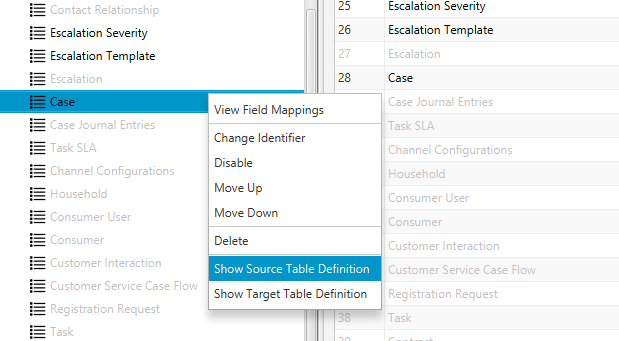
Selecting 'Show Source Table Definition' will open the ServiceNow table definition in the browser window for the source form on the source server. Similarly, 'Show Target Table Definition' will open the ServiceNow table definition in the browser window for the target form on the target server.
You might be prompted to log in to the ServiceNow instance (source/target) if you are not already logged in. The user must have a suitable role to be able to view the table definition record.
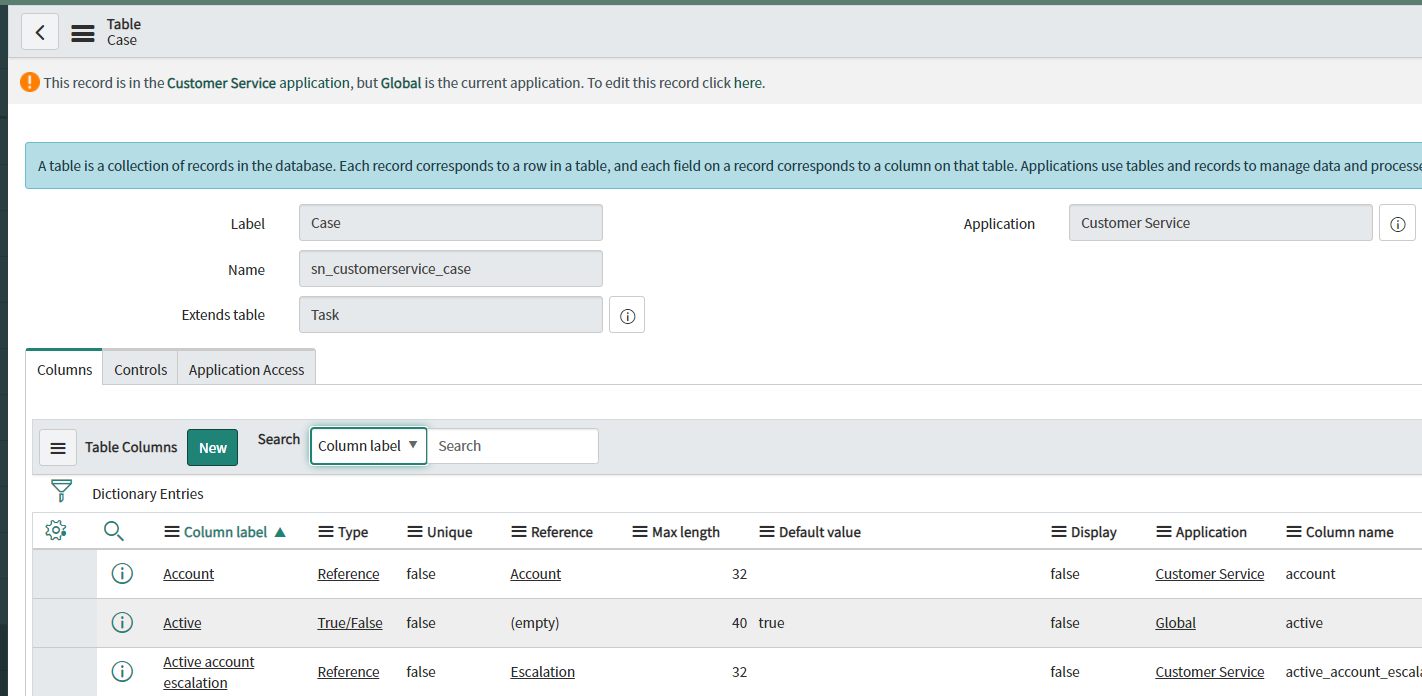
The same functionality is available from the mapping list screen.

Right-clicking on any of the source form or target form mapping list column cells will display a context menu 'Show Definition'. Clicking on this will open the corresponding table definition in ServiceNow.
This functionality is only available if either the source or target servers, or both are SNOW servers.
Comments
0 comments
Please sign in to leave a comment.