
Certain source server types support fields that can hold a set of values, such as an Array or List field. Sometimes it is required to generate a target record for each of these individual values.
Since Version 6.1 of Precision Bridge, it is possible in a form mapping definition to select a single field of type Array or List that can be used to generate multiple target records from a single source record.
This functionality is only supported by the following source server types:
| Source Server Type | Field Type(s) Supported |
| Service Now | List |
| RSA Archer |
Cross Reference Related |
| HP Service Manager |
Array |
If the Source Server is one of the above types, an additional tab, One to Many, will be available on each form mapping:
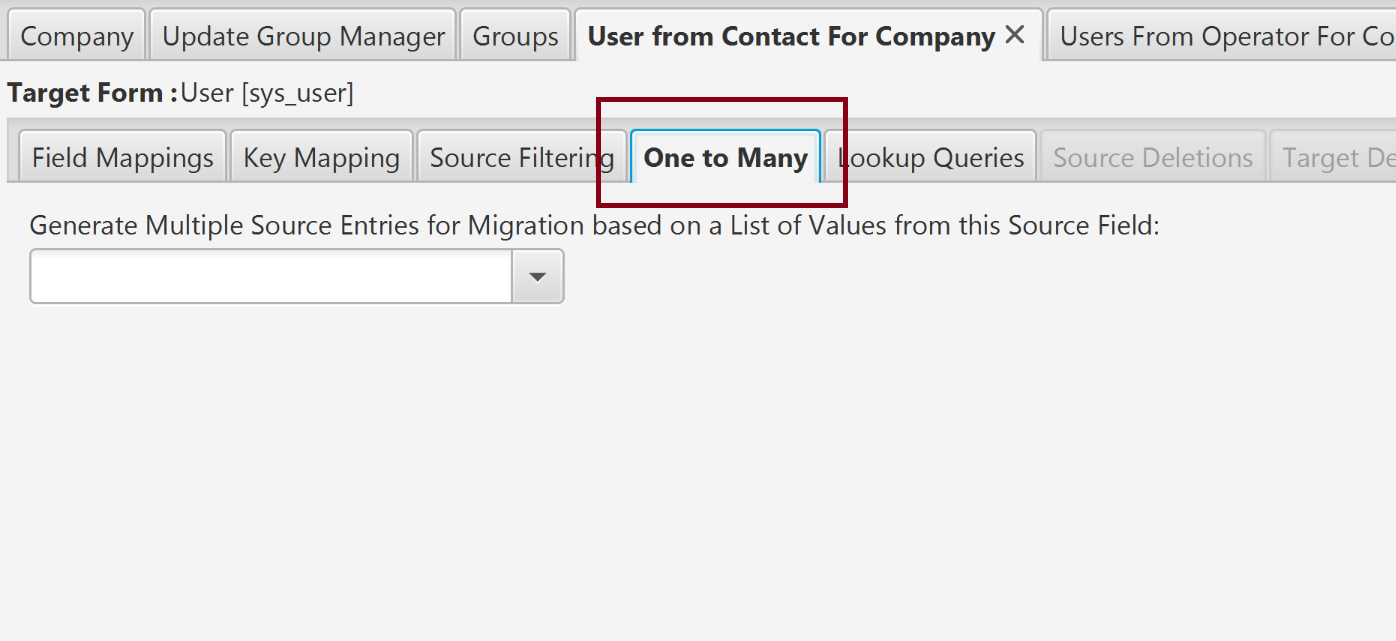
In this tab, it is possible to select the field that will be used as the source for generating the multiple records. Only fields that support multiple values are selectable. If no field is selected, the form migration will be one to one (i.e. each source record will be migrated to a maximum of one target record)
At execution time, Precision Bridge will obtain the values from the selected field, and process the source record multiple times, using each of the values. If the value itself is mapped, only the particular value being processed will be migrated to target, not the entire list. All other fields mapped will behave as normal.
Note that:
- The source count will continue to count the number of source records that are returned for the given query, not the number of target records that may ultimately be created/updated.
- If the One-to-Many source field is defined, the following restrictions apply:
- The Form Mapping cannot be used to support a reference mapping for another Field Mapping later in the project.
- The Key Mapping for this form mapping cannot be selected for use as a derived key mapping in a later Form Mapping
- Attachment migration is not supported
- If the one to many field is used in a field mapping, each individual value will be used in processing the mapping, not the entire list.
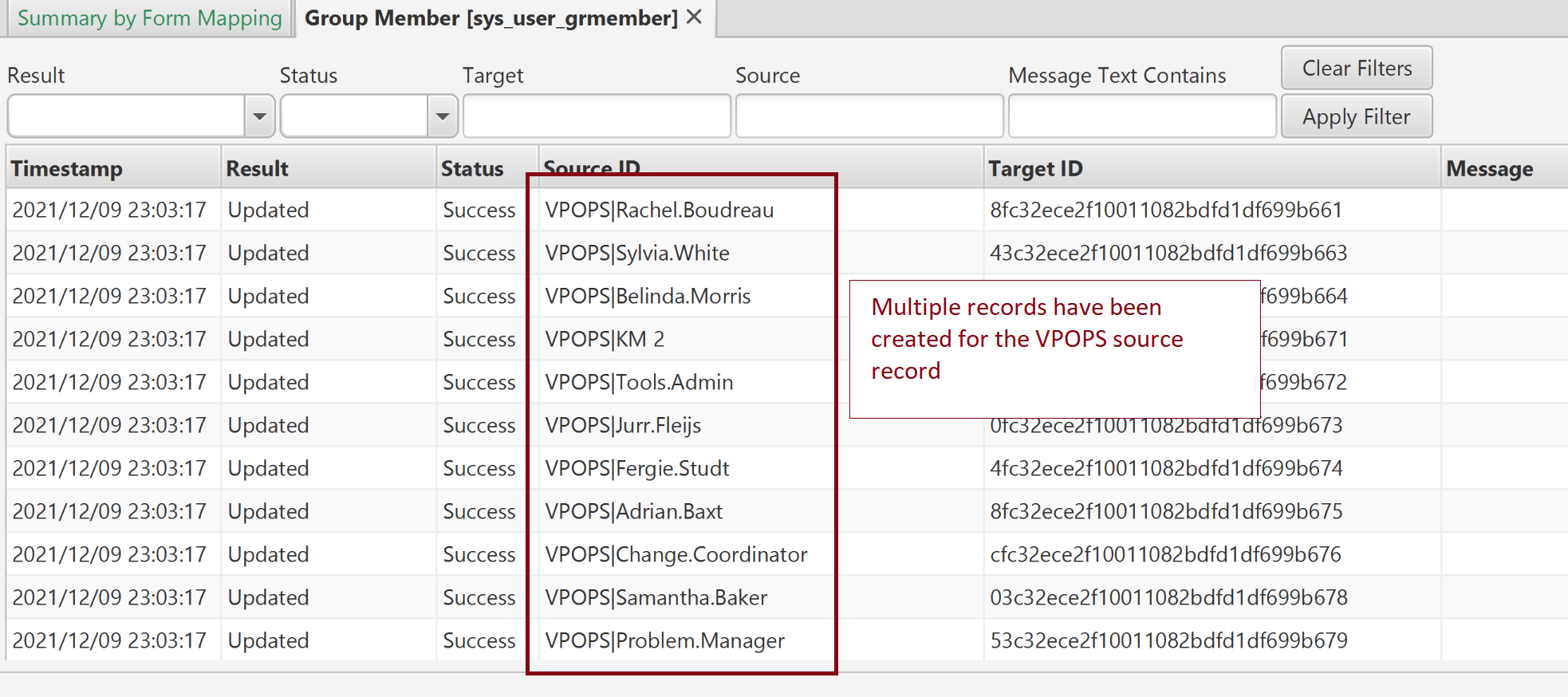
- In the report for this field mapping, the default source id shown will be a combination of the source record id and the value from the array/list that is being processed (see below).
Comments
0 comments
Please sign in to leave a comment.