
Attachments previously Archived into SQL Server or Oracle can be migrated back into Service Now and re-attached to the Service Now record. Note that attachment data stored anywhere other than in the Precision Bridge Attachment Table in the database (named sn_sys_attachment) cannot be migrated.
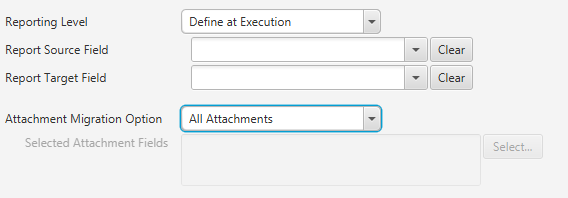
To migrate all attachments previously archived, select the Attachment Migration Option 'All Attachments' on the Options tab of the form mapping. Only previously archived attachments, not images will be included with this option.
Migrating Images
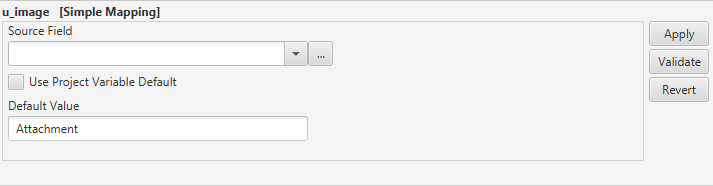
Images that were previously migrated to the sn_sys_attachment table in the database can be migrated back into Service Now using a simple mapping. In the simple mapping, a default value of 'Attachment' should be set. This indicates that the image should be retrieved from the attachment table.
Large Attachments
See article Migrating Large Attachments to a ServiceNow Instance if you get errors when migrating large attachments.
Comments
0 comments
Please sign in to leave a comment.