
Precision Bridge supports the migration of the attachments associated with a Ivanti record into the target ServiceNow record where the data is being migrated to.
To enable attachment migration, open the form mapping that is being used to migrate the Ivanti data to service now and select the options tab.
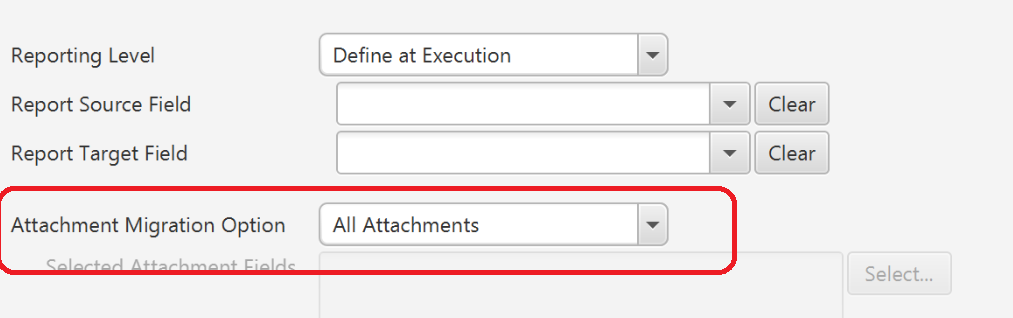
Note that the Maximum Attachment Size defined in the Execution Properties (defaulting to 32MB) will be applied with attachments over this size not getting migrated.
Precision Bridge also supports migration of attachments in the opposite direction (Service Now to Ivanti (ISM)) using the same method.
Comments
0 comments
Please sign in to leave a comment.