
The Rename option is not only used to change the name of a project but can also be used to change the project type (from Standard to Template).
After selecting File->Rename, the following dialogue window is displayed:
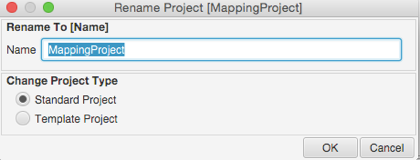
Enter the new name for the project, then optionally change the Project Type to Template Project. (See separate article on Template Projects). After renaming the project, the name of the project folder is updated and the project folder structure is retained.
Comments
0 comments
Please sign in to leave a comment.