
The Revert option allows you to revert back to a previously saved version of your project.
After selecting File -> Revert, the following dialog window is displayed:
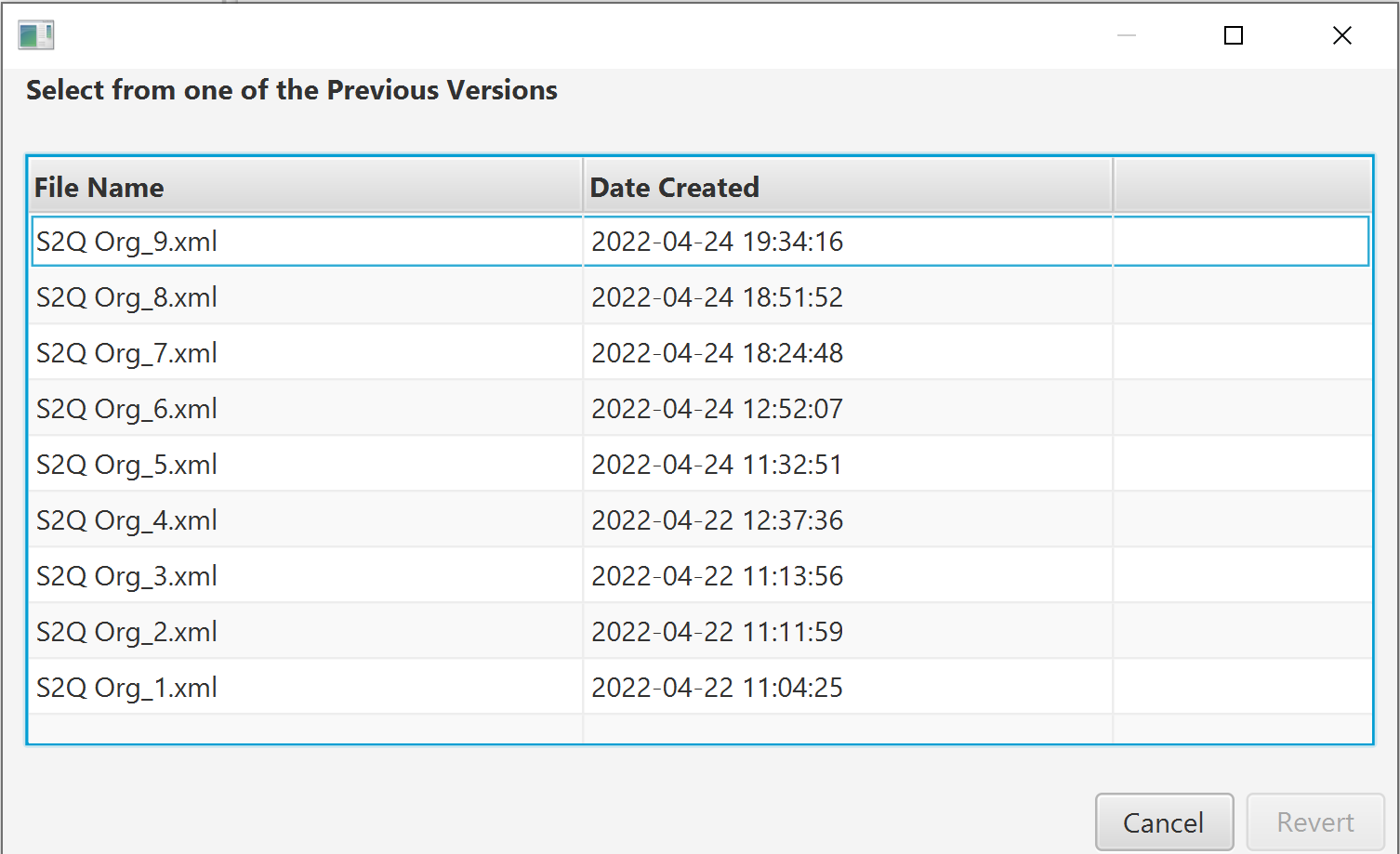
Select the version that you wish to revert to and click the Revert button. You will be initially warned that you will lose changes made to the project since the date of the project file that you are reverting to.
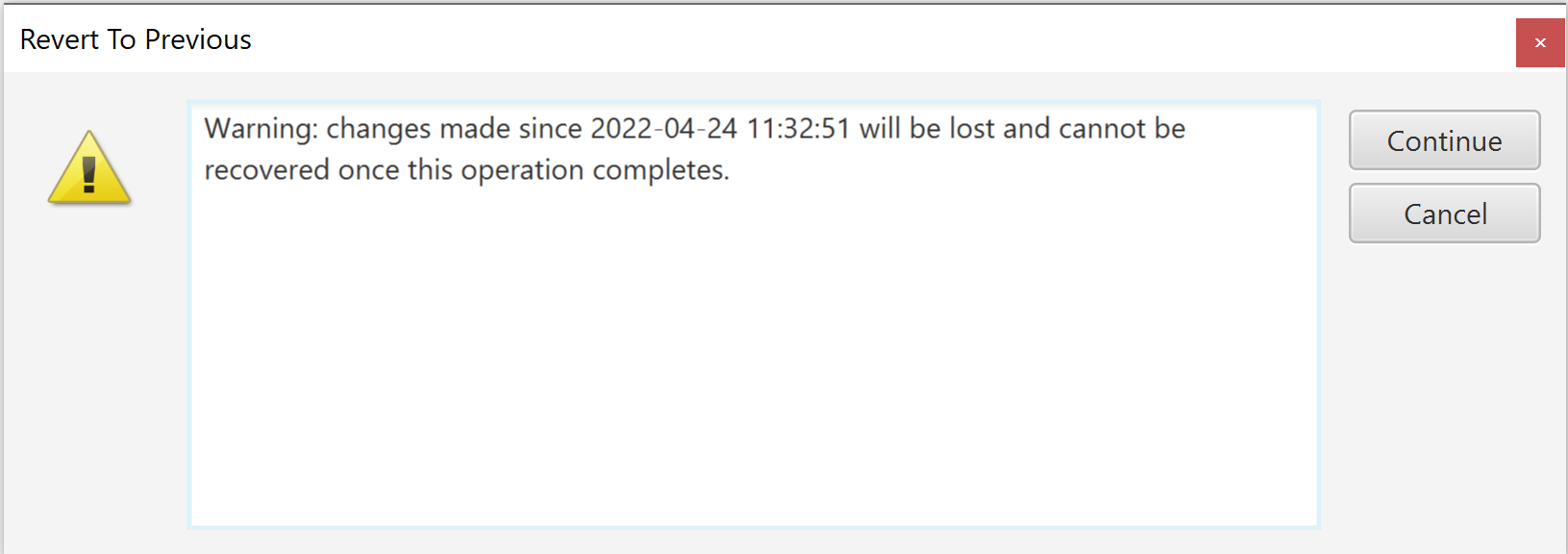
Click Continue to confirm that you are happy to lose these changes and your project will be reverted back to the version selected. After reverting, the backups folder for your project will only contain any backup files up to the version of the project you reverted to. However, any subsequent saves to the project will continue to backup the project file as before.
Comments
0 comments
Please sign in to leave a comment.