
If you are using 'Replication Projects' or 'Archiving Projects' to migrate data from your ServiceNow environment to a database server there may be times when new fields are added to the source forms on the Service Now server. This may be through customization or upgrades, for example.
Precision Bridge can be configured to detect any new fields added to the forms from which your projects are configured to migrate data from and automatically add the necessary columns to the target database tables. This removes the need to both manually add the columns to the database tables and then add the field mapping for the form within the project in Precision Bridge.
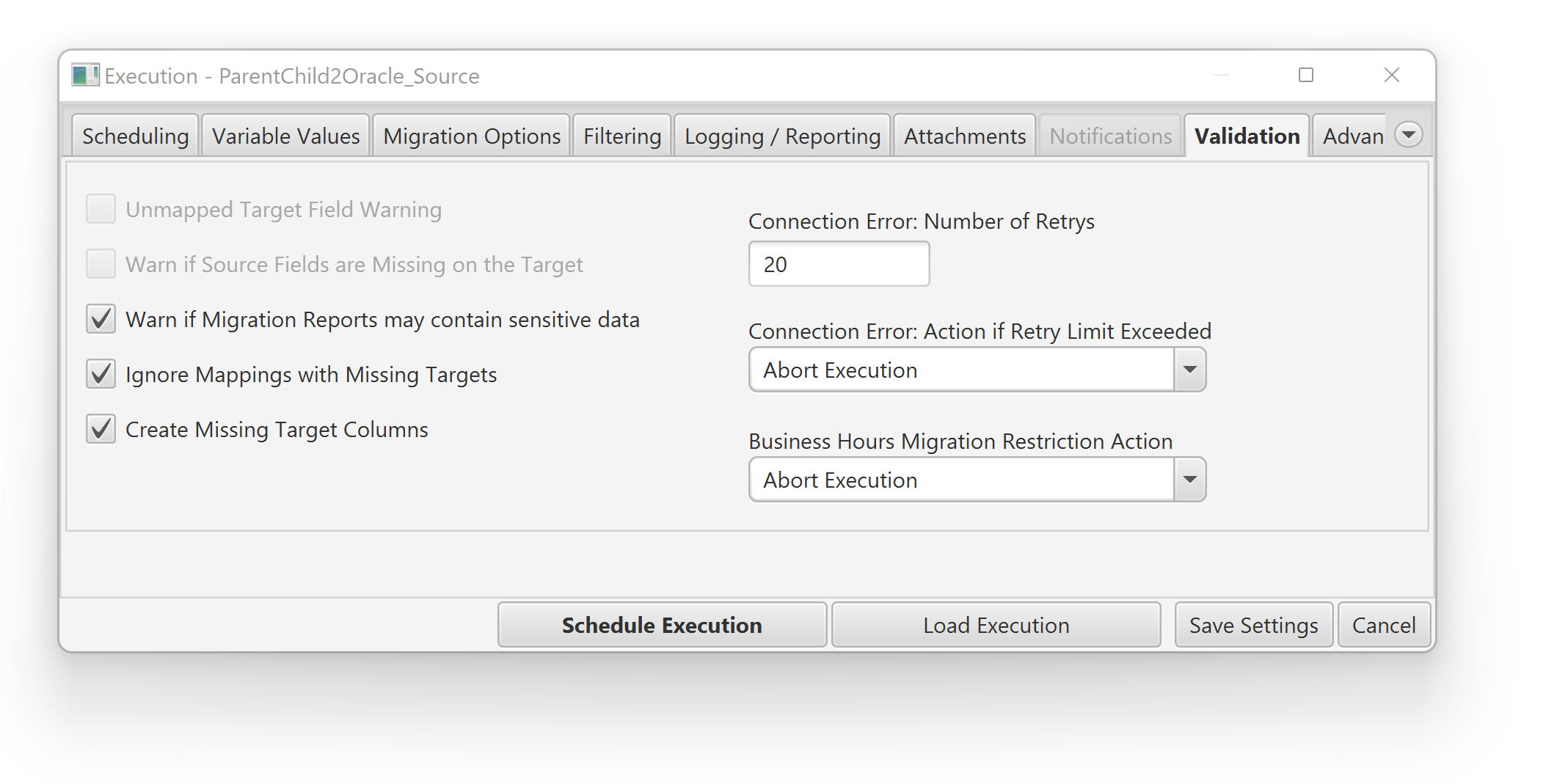
To enable this feature, select the Create Missing Target Columns option within the Validation tab during the setup of the migration execution.
When you execute the migration, Precision Bridge will not only add the columns to the tables as required but also create the mappings necessary to support the data migration. As a result, the updated project will be automatically saved to file. Should you return to the design view (View > Design) then you will be presented with a message confirming the update.
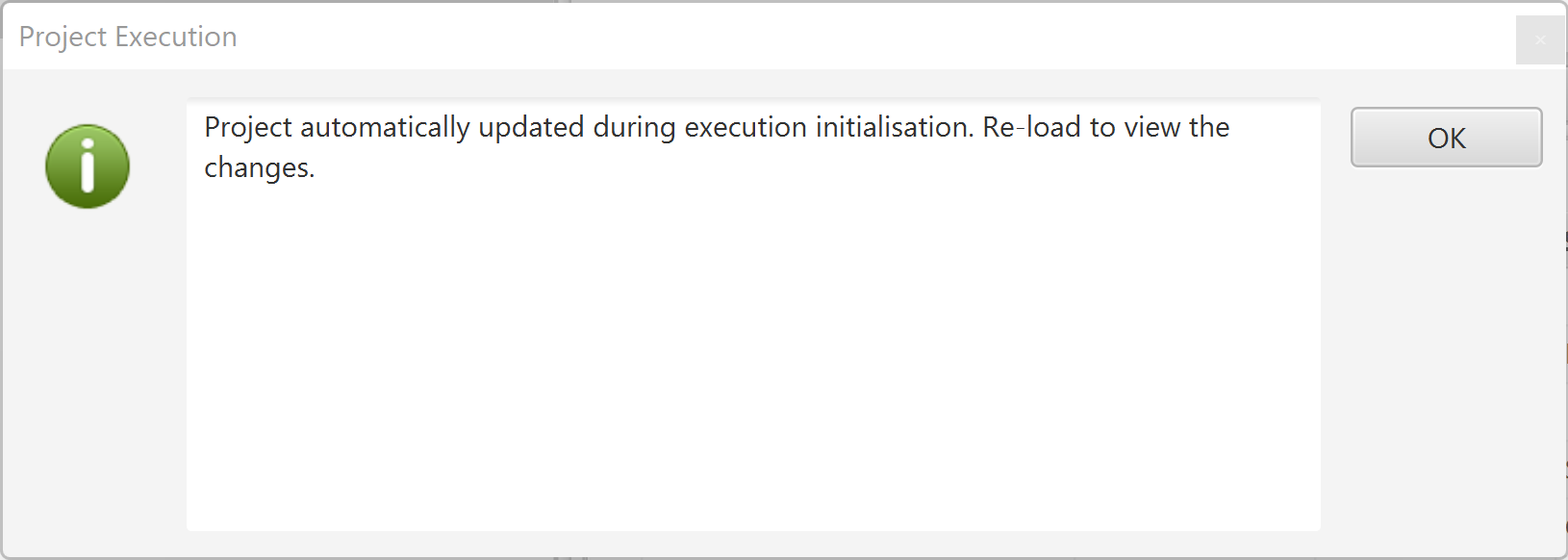
To view the updated mappings, close and then re-open the project in Precision Bridge.
Comments
0 comments
Please sign in to leave a comment.